Preview your app
Your apps are available for preview on web, and iOS and Android devices. Share it with your QA, Product Managers, customers, … for early feedbacks.
Preview on iOS and Android
First, download Ensemble Preview app by scanning this QR Code:
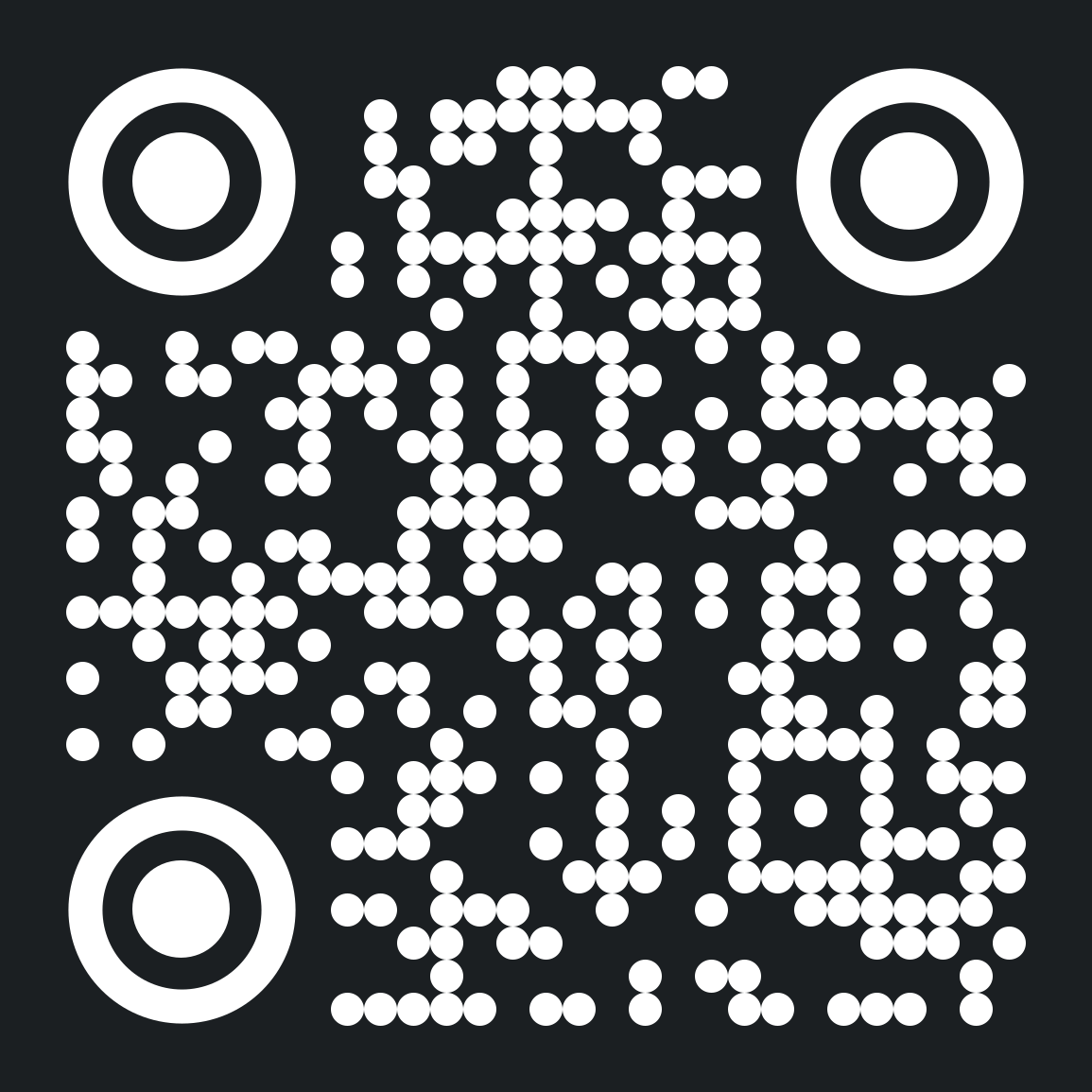
or select your platform here:

Now follow these steps to preview your app:
- Log in to Ensemble Studio.
- Click on the app you want to preview.
- Click Settings on the left sidebar. Here you find the app ID and a QR code.
- Open Ensemble Preview app and select the option to scan the QR code on the settings page.
Preview on web
- Log in to Ensemble Studio.
- Locate the app you want to share, and click the
...menu. - Select Get Preview Link.
- The preview link is now copied to your clipboard. Paste it in the browser or share with others to run your app on web.
Last updated on